


How to use the Spurgeons family tree & timeline maps
Information about events in the lives of each person in the Spurgeons family tree is displayed in the left (top) panel, sometimes with clickable images for additional stories. The right (bottom) panel shows a biography or story (unless protected & not logged in). Clicking on names switches to a new person in the tree; clicking on dates & other links displays documents or stories; click on pictures for a full-screen display.

Controls in the top menu bar allow search & navigation: Root links to the family tree home page; Home to the web-site home page. Timeline maps may be available for selected individuals (eg Robert Walter Spurgeon), indicated by a map button in the menu bar top right.

When a map is displayed, the button changes to a biography (text) button. Biographies may include links to places on timeline maps.
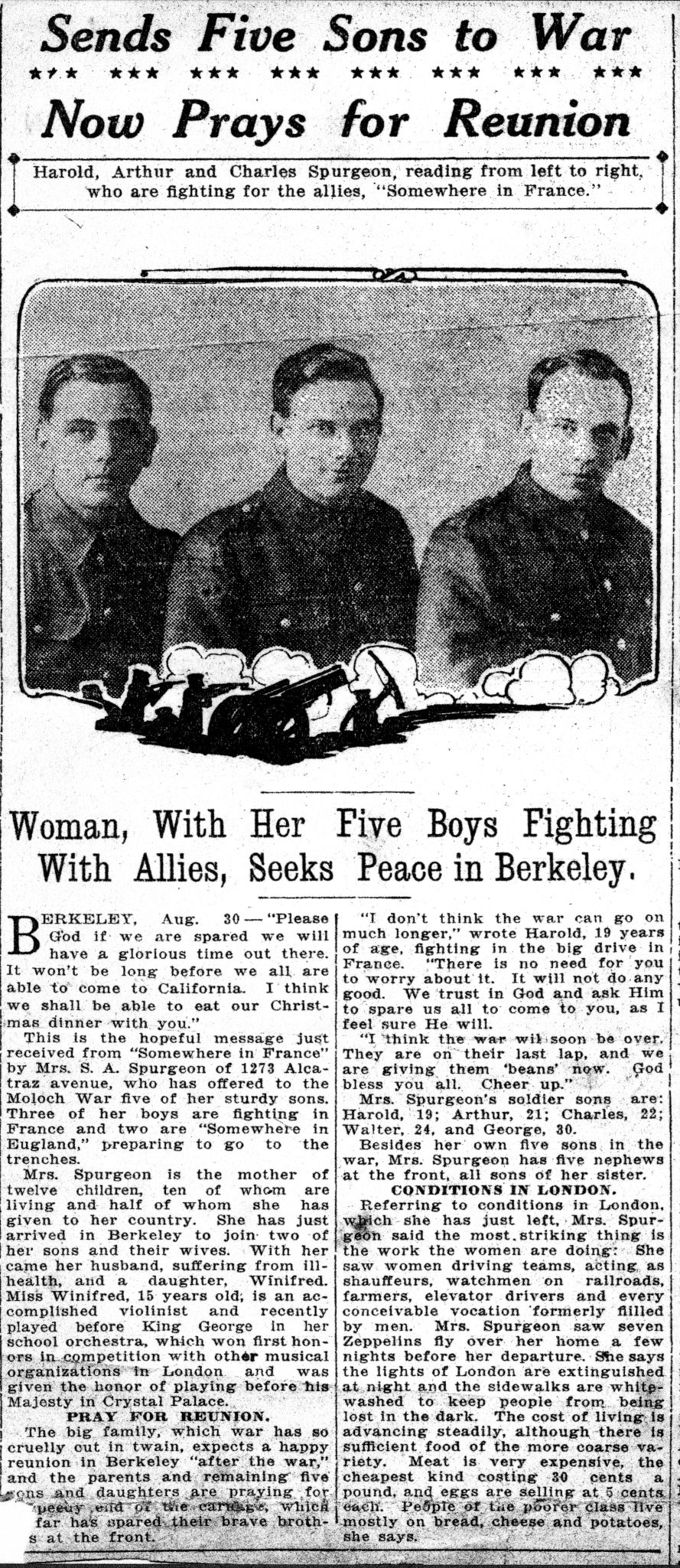
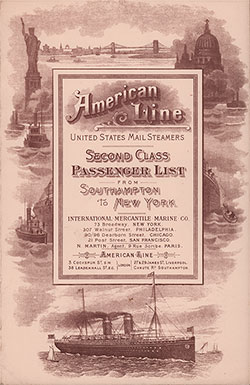
Timeline maps consist of two parts: the actual map, with markers for all the places of interest, and below the map a list of all documented places with time line controls. The current place is indicated by a green marker on the map and highlighted in green in the list. Clicking on each marker displays the location & additional information. Use the timeline controls to travel through the list, or click on each list item. Date links show documents verifying the location. Zoom out to see other places on the selected person's timeline. Initial zoom level indicates estimated location accuracy: for example, Robert Spurgeon's emigration from Liverpool does not show the actual ship terminal, just the city, whereas his first home in the USA (1273 Alcatraz Avenue, Berkeley, California) is accurate (zoom in to see the house).
Either historical or current (Google) maps are displayed. Historical maps are shown thanks to the National Library of Scotland. Use two fingers to zoom/rotate historial maps; zoom controls (on the left) can also be used. Click on the i button (bottom right) to see which map is displayed. More historical maps can be selected via the National Library of Scotland's web-site: click Explore historical maps top left to see the current location on their web-site, search, & choose alternative maps (eg OS 1:1,250/1:2,,500 1944-1970 shows house numbers). Switch from historical to Google Maps using the View on Google Map link (top right), & return with View on historical map.
Google maps are shown for timeline places when no historical view has been found. The usual Google Maps controls are available, including street view.